
Buying guide · Feeding
Best cat feeders without Wi-Fi
Choose genuinely app-free cat-feeding equipment by physical controls, batteries and task: timed lids, a rotating tray, a hopper or selective access.
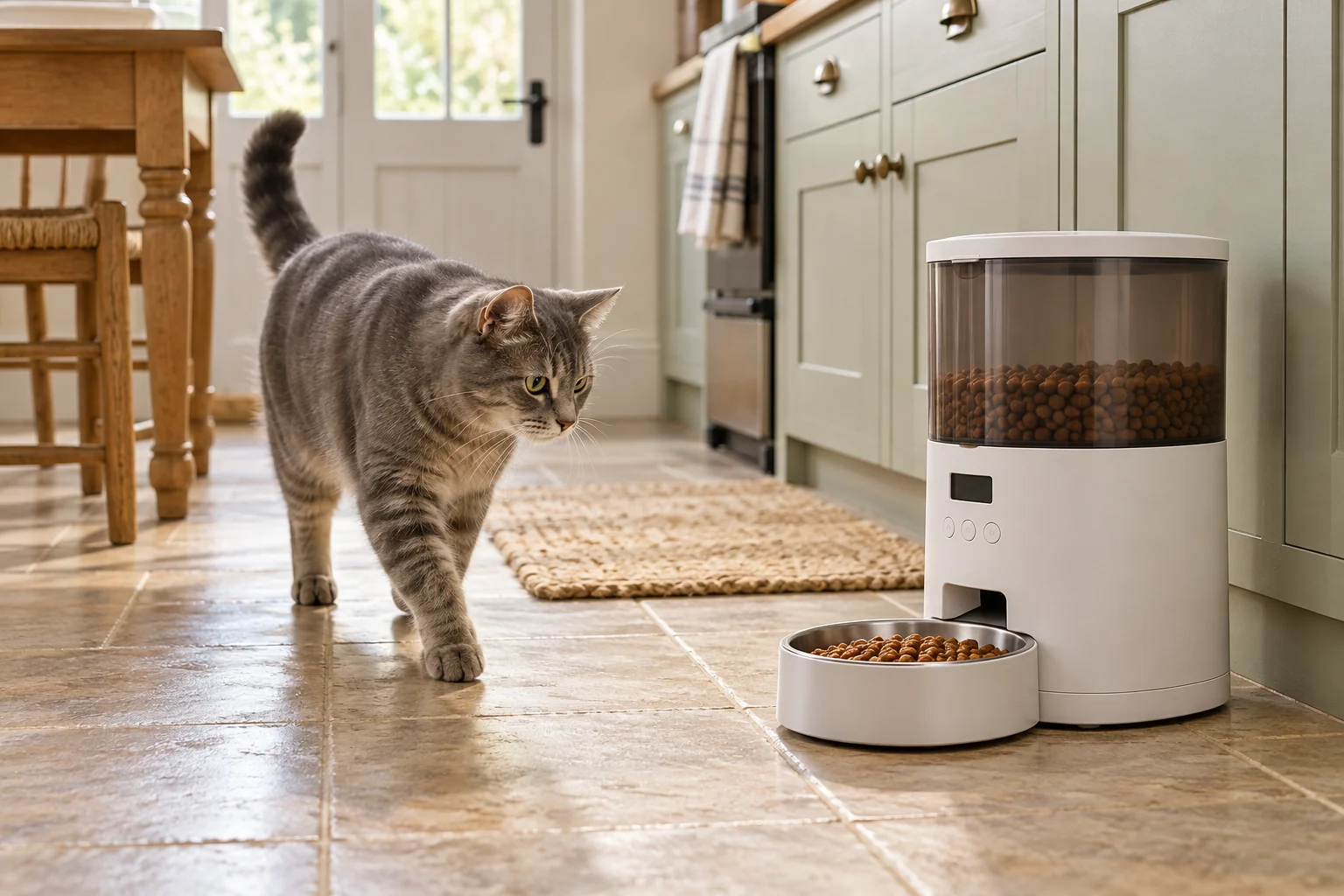
The short answer
App-free means local setup and everyday control
For genuinely app-free use, choose a feeder you can set and operate on the device itself. The C200 uses two dial timers, the C500 uses a local digital timer, and the C3000 has local hopper controls. The standard SureFeed is a different choice for selective access, not timed meal delivery. None of these selected models needs a router, smartphone or cloud account.
Compare the options
| Model | Job | Controls and power | What it does not provide |
|---|---|---|---|
| C200 | Two prepared later portions | Two dial timers; 1 × AA | Several digital meal slots |
| C500 | Pre-portioned tray openings | Local digital timer; 3 × AA | Individual-pet identification |
| C3000 | Dry-food dispensing | Local LCD; 4 × C | Unlimited timed meal slots |
| Standard SureFeed | Registered-pet bowl access | Local recognition; 4 × C | Timed delivery or phone reports |
Match a day’s feeding requirement to the mechanism
App-free describes the controls, but it does not tell you whether the machine provides enough openings or keeps food for one cat. These worked requirements separate those jobs before comparing convenience.
| Illustrative requirement | Mechanism that addresses it | Count or constraint | Decision to retain | Source |
|---|---|---|---|---|
| One portion now and two prepared portions later | C200 timed lids or C500 tray | Two future openings are needed | The meal served before leaving is not another future opening | [1] |
| One exposed portion now and four prepared portions later | C500 rotating tray | Five compartments = one initially exposed + four later openings | The C200’s two lids do not supply four later openings | [2] |
| Four separately timed hopper meals in one day | A hopper with at least four supported timed slots | C3000 supports up to three timed meals daily | A hopper’s food capacity cannot add a fourth programmed slot | [3] |
| A filled bowl reserved for a registered cat | Standard SureFeed selective access | Identity access; no timed serving schedule | Timed lids alone do not allocate food to an individual cat | [4] |
One app-free device can be a good match for a single function while failing another. In particular, a timer and an identity-controlled lid answer different questions.
Write the requirement in this form before shopping: food already available, number of later openings, food format and whether access must be restricted. Then compare the exact supported function.
Sources for this comparison
- C200 manufacturer information — Two independently timed lids.
- C500 manufacturer instructions — One initially open compartment and four future servings.
- C3000 manufacturer FAQ — Up to three timed meals daily.
- Standard SureFeed product information — Selective access rather than timed meals.
Buy for local control from the first setup
A cat feeder without Wi-Fi should let you perform the necessary setup and everyday tasks without a router, app account or smartphone. That is more demanding than a claim that a connected feeder continues to work offline. If a phone is still needed to change a meal or recover after a reset, it may not solve the reason you wanted an app-free device.
This guide focuses on that daily experience: physical controls, batteries, preparation and what another person can do while helping with the cat. It covers timed wet or dry portions, a dry-food hopper and selective access. For a comparison centred on dispensing mechanisms and kibble handling, use our automatic dry-food feeder guide.
The four selected models use local controls or local identification. They do not send remote meal confirmations, low-food messages or camera footage. Choose the feeding task first, then decide whether the actual controls and preparation work for the people who will use them.
C200: separate dial timers for a short planned gap
Cat Mate C200 two-meal feeder
Best for: One or two later meals
Two lidded compartments with separate dial timers. Choose this simpler layout when you only need one or two later servings, rather than a full rotating tray.
What stands out
- Separate timers for each compartment
- Removable lids and bowls
Keep in mind
- Only two compartments
- 48-hour timer range is not a food-storage promise
- Two timed lids
- One supplied ice pack
- 1 × AA battery
The Cat Mate C200 has two separately timed lids and uses one AA battery. You fill its two compartments and set their dial timers on the device. There is no app to install and no network to configure, which makes the sequence relatively easy to explain to someone helping at home.
The useful question is whether its physical timer arrangement matches the household routine. The dials suit approximate later openings rather than minute-by-minute control. Read the exact instructions for resetting and preparing them, especially if a helper will use it less frequently than you do.
There are only two compartments. That is a genuine limit even though the dial covers a longer time range. The timer's range is not permission to store wet food for that whole period. Follow the food producer's storage advice and the product instructions; its ice pack does not refrigerate food.
Choose it for: one or two prepared portions and a simple local timer. Main limitation: few openings and a dial arrangement that needs understanding, not remote monitoring.
C500: local digital control for several portions
Cat Mate C500 five-meal feeder
Best for: Several timed servings
A rotating tray with one compartment open initially and four scheduled openings. A sensible starting point when you want several pre-portioned meals without an app.
What stands out
- More scheduled openings than the C200
- Removable dishwasher-safe lid and tray
Keep in mind
- Ice packs require preparation
- All cats can reach the open compartment
- Four timed openings
- Two supplied ice packs
- 3 × AA batteries
The C500 uses a digital timer on the unit and three AA batteries. Its five compartments include one initially open portion and up to four later timed openings. The setup remains on the device, so changing the routine does not depend on an account or compatible phone.
A local display can be helpful when you want to read a clock-based schedule, but it introduces its own button sequence and settings. Before relying on it, practise setting a short observed schedule at home. Give any helper the instructions for this model rather than general directions for another rotating tray.
The compartments must be filled with the intended servings beforehand. That gives direct preparation control, while adding a washing and refilling task. The unit cannot tell which cat uses an open compartment, and the fact that the tray moved does not establish that the intended animal ate.
Choose it for: several pre-portioned meals with a local digital schedule. Main limitation: one serving is accessible from the outset and the remaining tray must be prepared.
C3000: a dry-food hopper without a network
Cat Mate C3000 dry-food feeder
Best for: A local schedule without Wi-Fi
A battery-powered hopper feeder with local LCD controls and up to three individually sized timed meals a day. It is a straightforward choice when you want dry-food dispensing without an app.
What stands out
- No network or app needed
- Removable bowl, hopper and feed parts
Keep in mind
- Kibble output needs checking with your actual food
- Three timed meal slots may limit your schedule
- Up to three timed meals daily
- Up to 3 kg dry-food capacity
- 4 × C batteries
The C3000 is the hopper choice here. It uses local LCD controls and four C batteries, with up to three timed meals daily. The reservoir holds dry food; it is not a compartment tray for wet portions. Check the food path and supported kibble against the model's instructions.
Its setup includes preparing and priming the dispensing system as directed. A helper should understand both the clock settings and the physical food route. Having no app makes the controls local; it does not make the mechanism immune to crumbs, unsuitable food or a missed refill.
Closer Pets' C3000 support information specifies a maximum kibble size of 16 mm and the three timed feeds. Weigh observed outputs with the food actually used instead of treating a portion setting as a universal number of grams.
Choose it for: a repeatable dry-food schedule without a phone. Main limitation: three timed slots, local checks and a dispensing mechanism that needs correct setup.
Standard SureFeed: local selective access
SureFeed Microchip Pet Feeder
Best for: Individual access, rather than timing
The lid responds to a registered cat’s microchip or compatible tag. It belongs on your shortlist if another pet steals food, but it does not release meals at scheduled times.
What stands out
- Access tied to registered identities
- Gradual lid-training mode
Keep in mind
- Does not schedule meals
- Rear access may need an additional cover
- Wet or dry food
- 400ml bowl
- 4 × C batteries
The standard SureFeed Microchip Pet Feeder answers a separate question: which registered pet can access food placed in the bowl? It uses four C batteries and local pet-recognition setup. This selected standard version is distinct from connected product variants and does not require a hub or app account.
It does not schedule a series of meals or dispense portions from a reservoir. You still prepare the food and observe how the cat uses the opening. Training and registration need following carefully, particularly when a cat is cautious about a moving lid.
Watch the complete household arrangement. Selective access does not prove that another cat cannot wait behind the user or block its approach. Nor does it report to a phone that a particular amount was eaten. Check the standard-model information rather than transferring connected-model features onto this device.
Choose it for: one cat's access problem when timing is not the main requirement. Main limitation: no timed portions and no remote consumption report.
Compare the tasks you can perform on the unit
List the actions you need: setting the time, changing a meal, preparing a serving, replacing batteries and recovering after an interruption. Find each one in the exact manual before buying. A useful app-free purchase should be understandable through those ordinary tasks, not just during its first successful setup.
Look at the size of buttons and print, the sequence of presses and how the timer or display can be read in its actual position. Consider the person who will use it with you. A product that feels straightforward to one owner may be harder for a helper who sees it only occasionally.
Keep concise model-specific directions with the unit, including the food and battery type. Do not leave someone to infer whether a number on a hopper is grams, portions or a meal slot. Verify the prepared settings together while you can observe the outcome.
Battery power still needs a routine
These models avoid a mains cable for their normal operation, but batteries remain a maintenance task. Follow the maker's requirements, replacement sequence and instructions about settings after a change. Do not mix unsupported battery types or rely on a general promise about how long a set will last.
A local indicator is useful only when someone looks at it. Plan checks alongside refilling and cleaning, and observe the device before a planned absence. Keep an appropriate person involved in the cat's care if a fault, reduced appetite or a change in routine occurs.
A full hopper or several compartments describes food storage or scheduled events, not how long a cat should be left without care. Water, litter, appetite and the wider home situation still need attention.
Keep food preparation separate from programming
With a tray, prepare the intended servings before setting future access. With a hopper, use supported dry food and assess delivered amounts with that exact kibble. With selective access, prepare the bowl and complete the pet's training sequence. These tasks remain necessary even though no network is involved.
Wet-food handling needs its own storage guidance. An ice pack, covered compartment or closed lid should not be described as active refrigeration. Our wet-food feeder comparison explains those limits and the difference between time-based access and pet identification.
Remove and wash only the components the maker permits. Keep powered bases, contacts and controls out of water, dry washed parts fully and reassemble correctly. A simpler control panel does not change which parts are electrical.
If you are comparing an app-controlled alternative
Ask whether initial setup, schedule changes and recovery after a reset all work without an account or connection. A stored schedule running during an internet outage answers only one of those questions. It does not automatically make a connected device a suitable long-term app-free choice.
If remote notifications are the real requirement, reconsider whether app-free operation is your priority. No local-only device should be presented as delivering phone alerts it does not have. Compare the benefits you need with the setup and care you are prepared to maintain.
With a dry-food hopper, weigh the actual servings before relying on a unit setting. For the C500’s exact controls, use the programming guide. If a meal fails to arrive, start with timing, power and blockage checks.
Sources and recommendation boundaries
Cat Mate and Closer Pets model information, Sure Petcare's standard-feeder documentation and the selected Amazon UK listings support the functions and power requirements. We compare operation on the unit itself, with no invented app reliability trials, battery-life measurements or unattended feeding guarantees.
If selective access is the main task, our microchip feeder comparison explains standard SureFeed versus Connect, including the Hub and app trade-off.
Frequently asked questions
Is a feeder that works offline the same as an app-free feeder?
No. An app-controlled device may continue an existing schedule offline while still requiring an account, phone or connection for setup or changes. This guide selects models with local controls or local pet recognition. Check the exact model rather than relying on the word offline.
Which feeder without Wi-Fi is simplest to set?
The C200 has separate physical dial timers and may be a useful starting point for one or two later openings. Simplicity depends on the person using it: compare the controls, print, battery access and instructions. A familiar digital display may be easier for another household.
Can an app-free feeder send a low-food alert to my phone?
The selected models do not provide phone notifications. Their useful distinction is local operation without an app or account. A person still needs to check food, power and actual use. Do not confuse an on-device indicator with a remote alert.
Does standard SureFeed dispense meals on a schedule?
No. It gives registered pets access to food placed in its bowl. It does not meter kibble from a hopper or open a sequence of timed portions. Choose it for the access problem it is designed to address, rather than as a replacement for a scheduled feeder.
Can I leave my cat longer because the feeder uses batteries?
Battery power removes dependence on a mains socket for these models, but it does not replace human care. The cat still needs checks, water, litter care and attention to appetite or illness. Use feeding equipment within a suitable care arrangement, not as an unattended-care timetable.